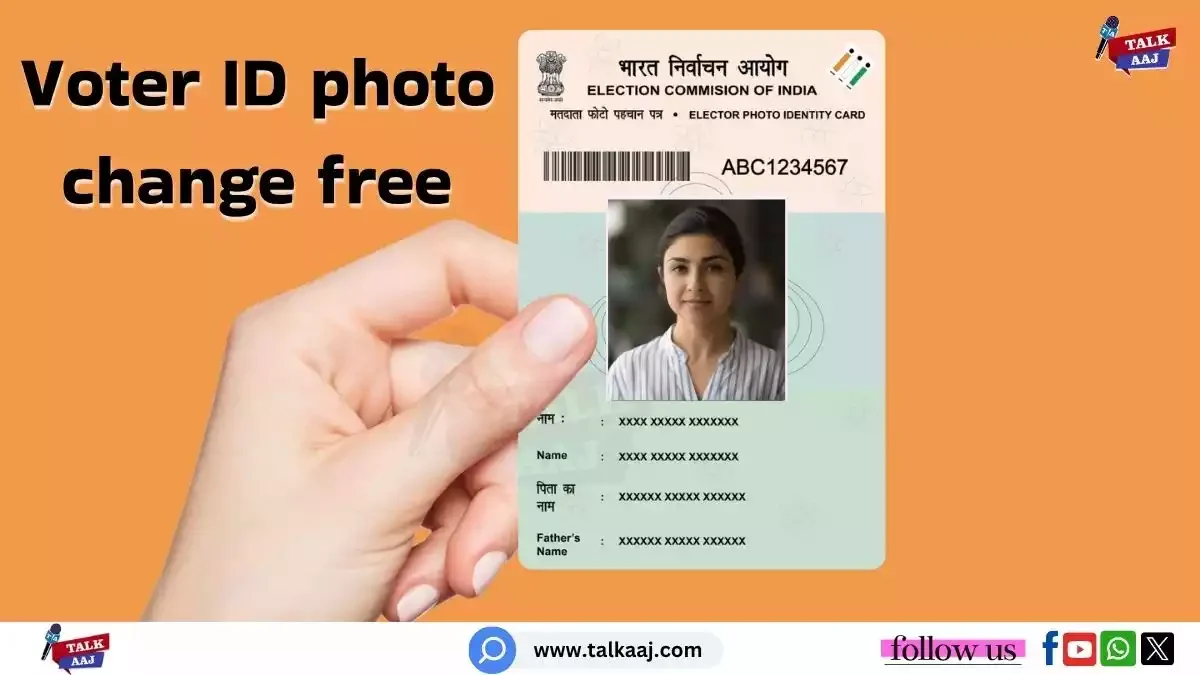
How to Update Your Voter ID Photo: A Complete Guide
Voter ID photo change online:The Election Commission of India (ECI) provides every voter with the option to change the photo on their Voter ID card. This can be done online or offline. A recent special intensive revision (SIR) by the Election Commission in Bihar verified voters using valid documents, and as a result, a new order has been issued for the state’s voters. The commission has stated that all eligible voters will receive new Voter ID cards and must submit their latest photo to the Booth Level Officer (BLO) by September 1, 2025. This raises a common question: can the average citizen also update the photo on their voter identity card to one of their own choosing? What is the process for updating the photo on a Voter ID card?
The Election Commission of India allows voters to change the photo on their Voter ID card whenever they wish. You can complete this task both online and offline. From the comfort of your home, you can change your Voter ID photo using the ECI’s Voter Helpline app or the official website,voters.eci.gov.in.This process is completed throughForm 8, which is used for making corrections to the Voter ID card, such as changing a photo, name, or address. You can also submit this form offline by giving it to your designated Booth Level Officer (BLO) to get your photo updated on the voter identity card.
A Simple Way to Update the Photo on Your Voter ID Card
Updating the photo on your voter identity card is a straightforward process using the ECI’s Voter Helpline app. The Chief Electoral Officer of Jharkhand has even explained the entire process in a video on their official YouTube channel. Here’s a step-by-step guide on how you can update your photo using the app:
- First, download the‘Voter Helpline App’from the Play Store.
- Open the app and click on‘Voter Registration’.
- Next, click on‘Correction of Entries Form 8’.
- You will see the option ‘Let’s Start’; click on it.
- The app will ask if you have a Voter ID card. Click on‘Yes’.
- Carefully enter your Voter ID number and then click on‘Proceed’.
- All your details, such as your name and Voter ID number, will appear on the screen.
- Now, click on‘Next’at the bottom of the screen.
- Fill in all the requested information, including your Aadhaar card number, and then click on‘Next’.
- You will see four options. Select‘Correction of entries in existing electoral roll’and press ‘Next’.
- Several options will appear. Scroll down and select‘Photo’, then click on ‘Next’.
- An ‘Upload Picture’ option will be visible. Click on ‘Next’.
- Choose a photo from your camera or gallery and upload it.
- Fill in all the required details, including your name and place, and then click on‘Done’.
- A review of the form, containing all the details, will appear. Read it carefully and click on‘Confirm’.
- A reference ID will be displayed; save it for your records.
- Your information will now be sent to the Election Commission. The photo will be changed after it has been reviewed and approved.
This easy process ensures that you can have your preferred photo on your Voter ID card, making it a more accurate reflection of your current appearance.

FAQs
How can I change my Voter ID photo?
You can change your Voter ID photo online through the Election Commission of India’s (ECI) website or the Voter Helpline app. The process involves filling out Form 8.
Is it free to update the photo on my Voter ID?
Yes, updating the photo on your Voter ID card is a free service provided by the Election Commission. You can do it online from home without any cost.
What is the last date to update the Voter ID photo?
As per a recent directive for Bihar, the last date to submit the latest photo to the Booth Level Officer (BLO) is September 1, 2025. It’s best to check with your local election office for specific deadlines.

Can I change the photo on my Voter ID card myself?


Yes, the Election Commission of India (ECI) gives every voter the option to change the photo on their Voter ID card. You can do this yourself through both online and offline methods. The online process is the easiest and can be done from your home using the ECI’s official website or mobile app.
Which form is used to update the Voter ID card photo?
To update your Voter ID card photo, you need to fill out Form 8. This form is used for various corrections in the existing electoral roll, including changing your name, address, or photo. You can submit this form online through the Voter Helpline app or the voters.eci.gov.in website.
How long does it take for the photo to be updated on the Voter ID card?
After you submit Form 8 with your new photo, the information is sent to the Election Commission for review. Once they verify and approve your request, the photo is changed. The entire process may take a few weeks. You can track the status of your request using the reference ID you receive upon submission.

Is it mandatory to have a new photo on my Voter ID card?
While it’s not always mandatory, the Election Commission often encourages voters to have a recent, clear photo on their Voter ID cards. This helps in easy identification. For instance, a recent directive in Bihar asked all eligible voters to submit their latest photos by September 1, 2025, for new cards.
Can I use any photo to update my Voter ID card?
When updating your Voter ID card photo, it’s best to use a clear, recent passport-size photo. The photo should show your face clearly against a light background. Avoid using group photos or pictures with filters, as they may be rejected during the verification process.
(देश और दुनिया की ताज़ा खबरें सबसे पहले पढ़ें TalkAaj (Baat Aaj Ki) पर , आप हमें Facebook, Twitter, Instagram और Youtube पर फ़ॉलो करे)